

Running Windows and using dial-up internal modem on the AEBS and can not hang up
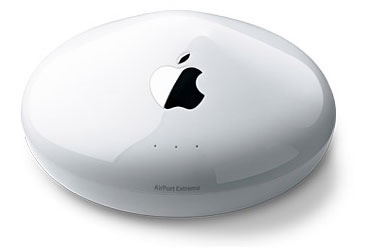 If you are using the dial-up modem in the AEBS, you can configure
it to automatically dial when an internet connection is required and
allow it to disconnect if idle for a period of time.
If you are using the dial-up modem in the AEBS, you can configure
it to automatically dial when an internet connection is required and
allow it to disconnect if idle for a period of time.
Problems arise if you have applications on your Windows PC that activate the auto-dial when you don't actually need to go online (such as Outlook Express) and if you want to end an online session so that you can use the phone for a phone call.
In these instances you would normally have to physically unplug the AEBS from the phone line or use an Airport equiped Mac.
What you need is a utility that allows you to connect and disconnect from the desktop.
Jon Sevy has a Java Utility for this purpose or you can download from my mirror.
You will need Java in order to run the utility.