

Disabling Password Protected Sharing in Windows Vista
In order to share files from a Windows Vista PC without requiring a password you will need to turn off Password protected sharing.
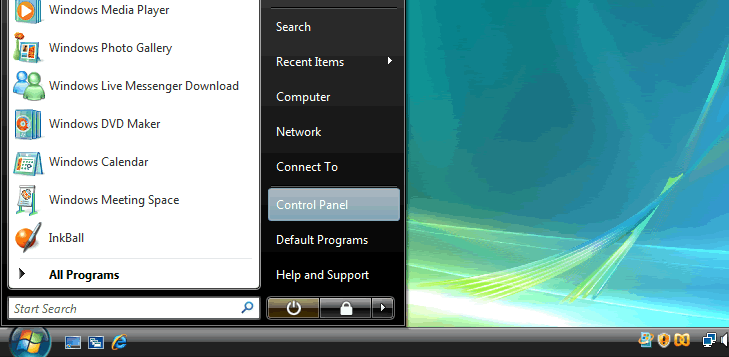
On the Windows PC, Start -> Control Panel
This will bring up the following window.
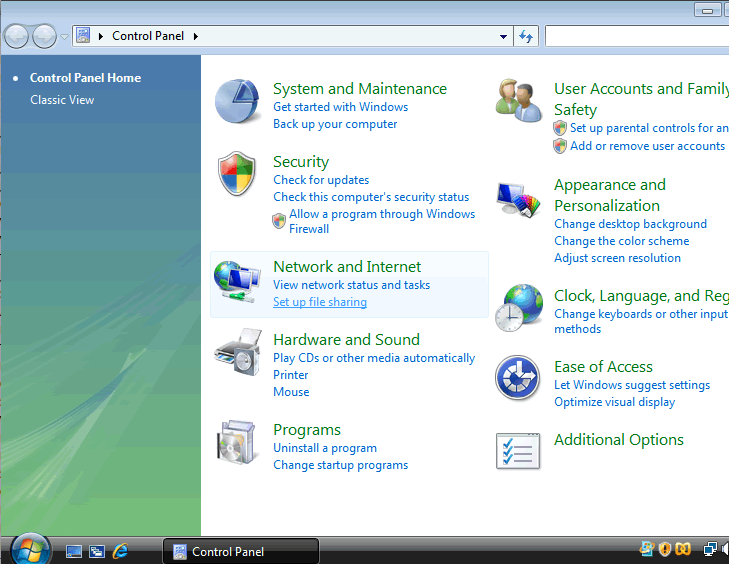
Click on Network and Internet.

This will bring up the Network and Sharing Centre.
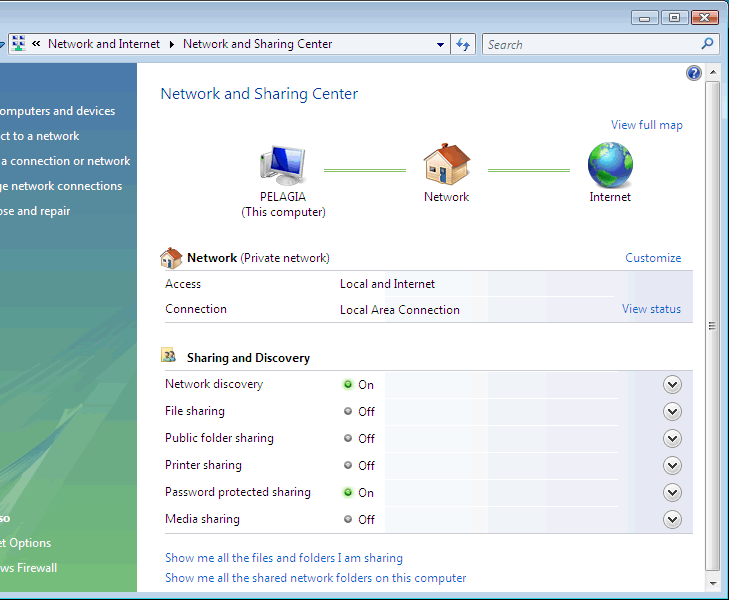
This window should be showing you the network to which the computer is connected (in this example it is my local area network, and that this is a home and private network.
Click on Password protected sharing you will then be able to turn of password protected sharing which means other users will not need to enter a password to access a shared folder.
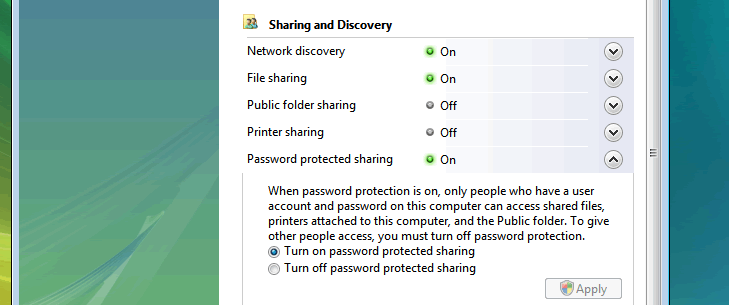
This is only recommended if you are happy to share the files with any user on the network.