

Convert a Keynote presentation into a video file for use on a PSP using Toast 7
You can use this guide for converting a Keynote 3.0 Presentation into a movie file which can then be played on a PSP. This guide should also be useful for converting Keynote 2 and Keynote 1 files.
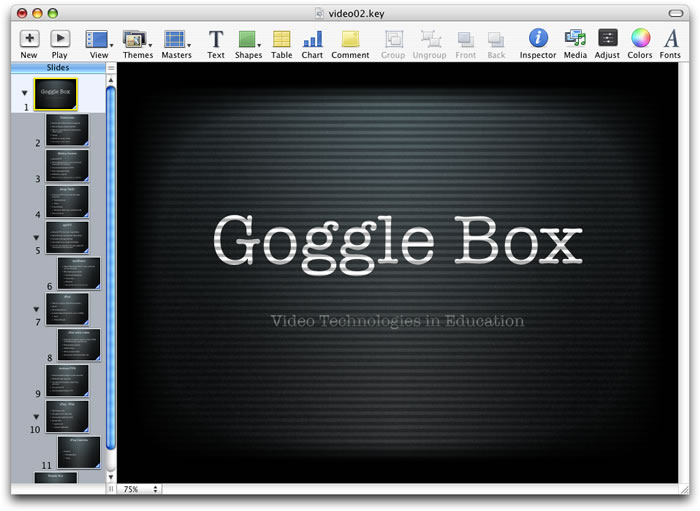
Open your Keynote presentation.
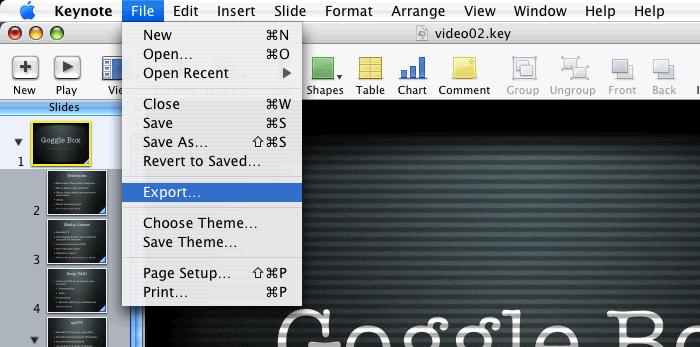
From the menu File > Export...
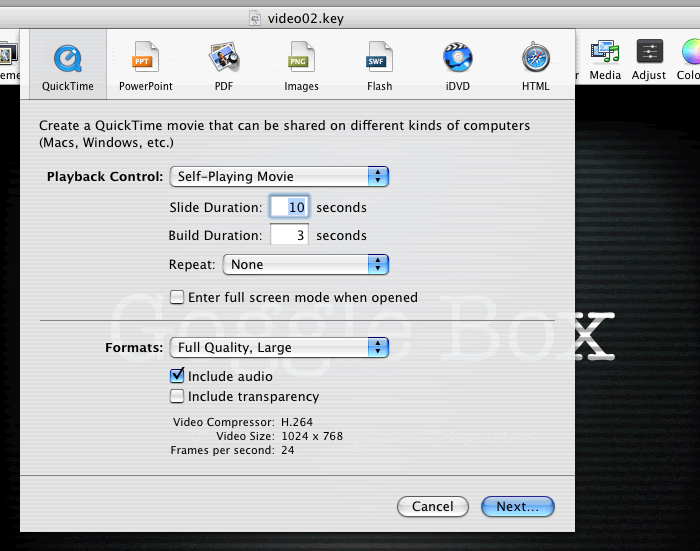
Click the Quicktime button.
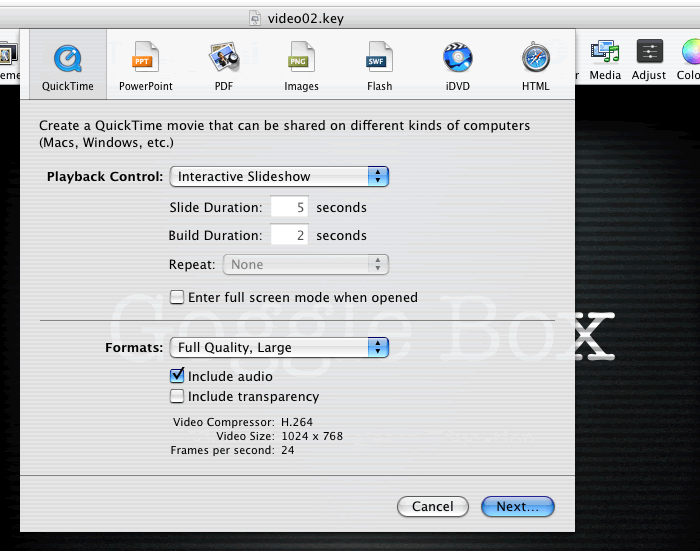
Change the Playback Control: to Self-Playing Movie.

Change the slide duration from the default 5 seconds if you have a lot of text to something like 10 seconds. Another option is to use audio tracks on the slides which negates the need to have a long slide duration.
Ensure that the Formats: is set to Full Quality, Large.
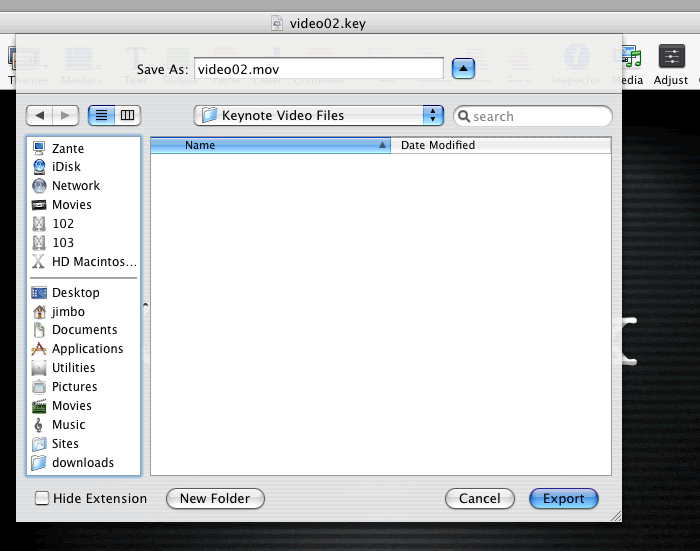
Save the resulting movie file to a suitable location.
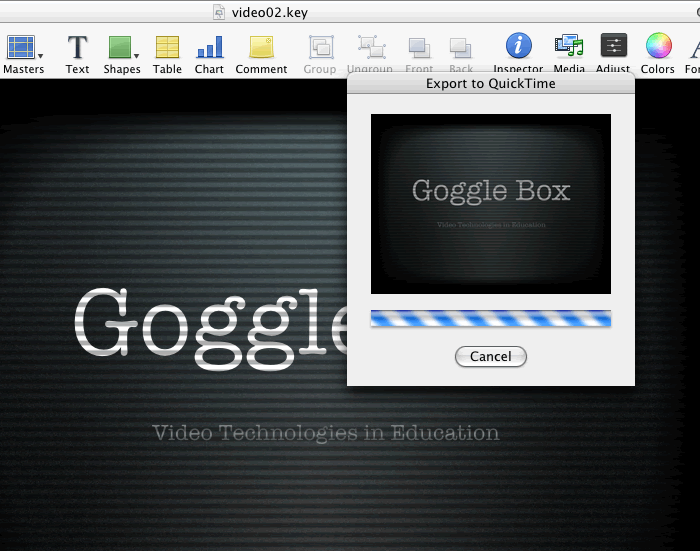
Keynote will now export your presentation as a Quicktime movie.
Having done this you can now open Toast and click the video tab. Though this guide uses Toast 7, you can achieve the same results with Toast 8 and the process is very similar (if not the same).
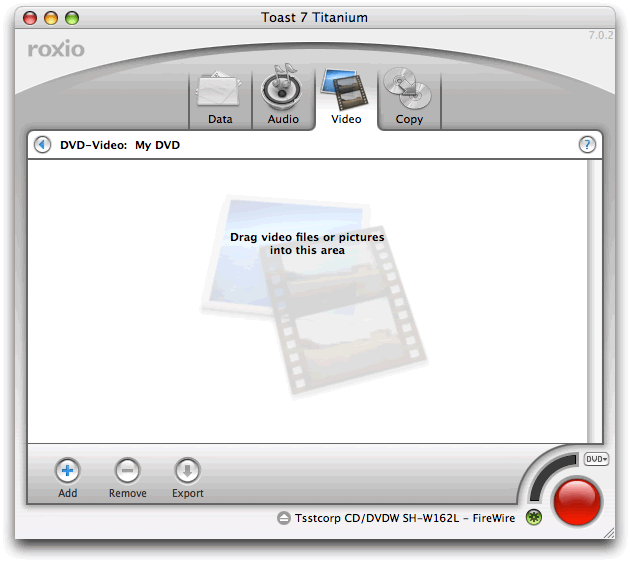
Drag the video file that you exported from eyeTV from Finder to Toast.
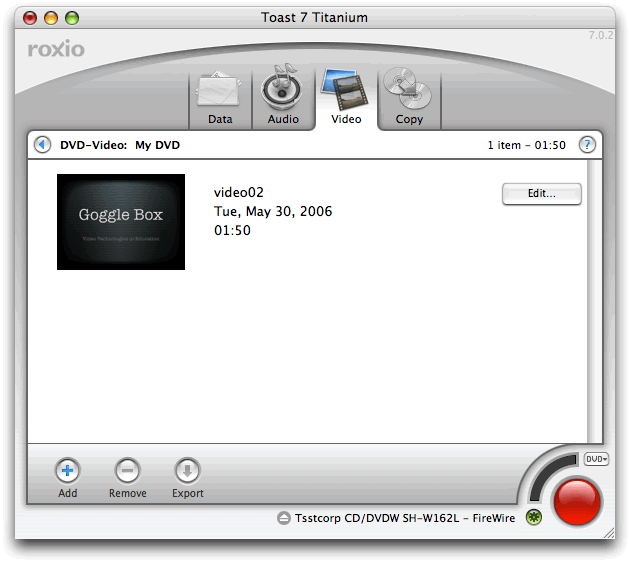
Select the video file.
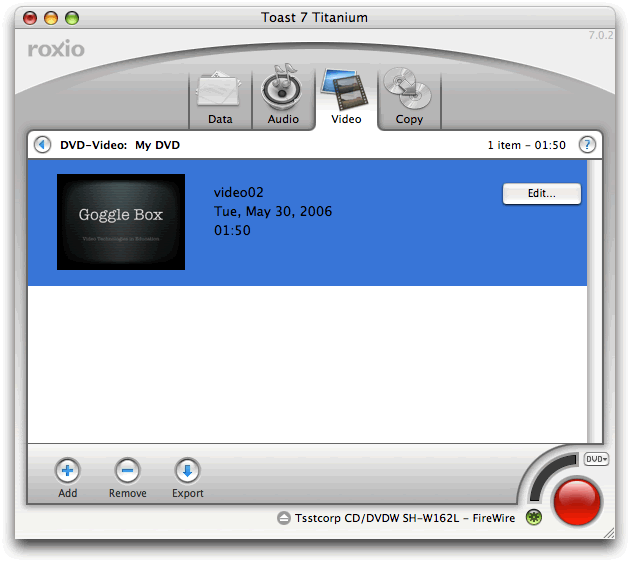
Click the Export button.

This will bring up a new window.
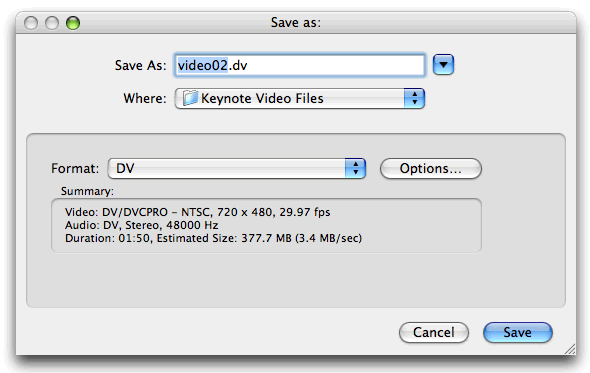
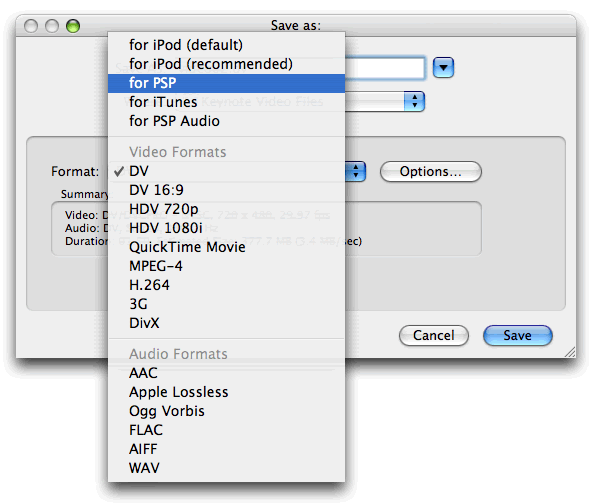
Using the drop down dialogue, change the default DV setting to for PSP (Toast remembers the last export format you chose).
Toast will give a file name for the recording.
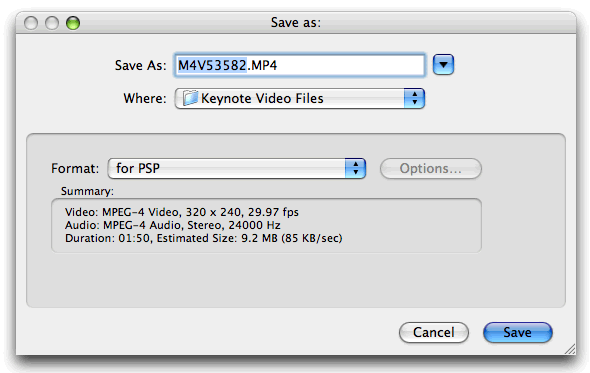
Do not change the file name.
Click Save
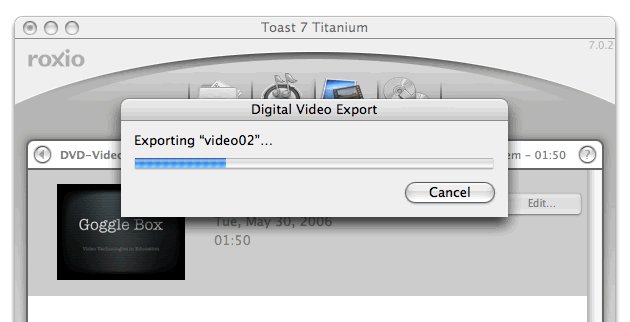
Wait...
Copy the converted file over to your PSP and press play. Remember when uploading video to a Memory stick for use on a PSP, to use the following folder
\MP_ROOT\100MNV01\